
Mobile Wallet & Contactless Payments
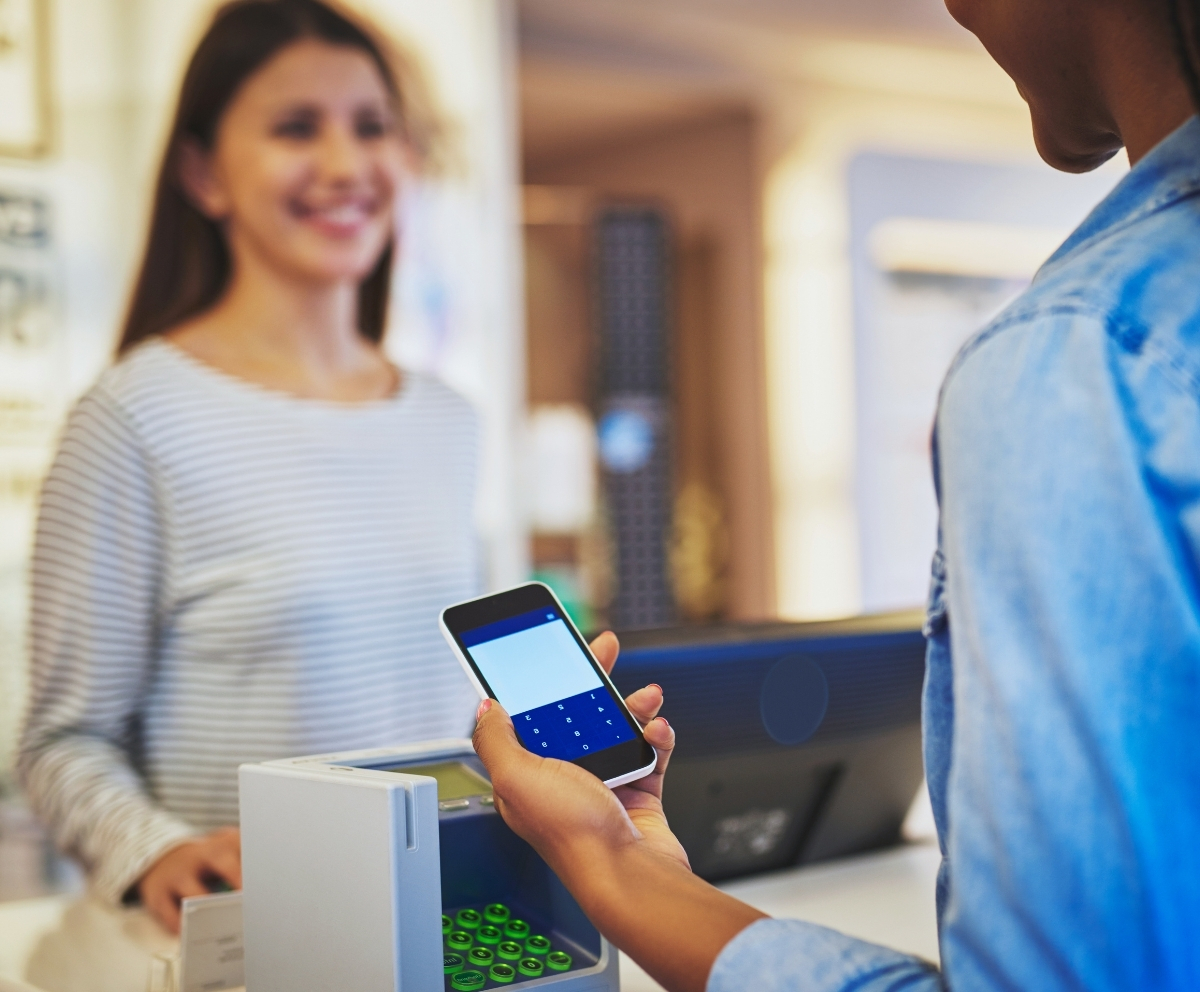
Connect Credit Union Mobile Wallet is a fast, secure, and convenient way to make purchases in-store, online, or in apps using your smartphone.
By adding your Connect Credit Union debit or credit card to your mobile device, you can make payments without carrying your physical card.
Your card details are never shared with merchants, helping protect your personal and financial information.



Connect Credit Union Mobile Wallet helps eligible members across Florida, including Fort Lauderdale, Miami, Stuart, Broward County, Miami-Dade County, and Martin County, make secure contactless payments from compatible devices.

How Mobile Wallet Works
When you use Mobile Wallet, your actual card number is not stored on your device or shared during transactions.
Instead, each payment is protected using advanced security technology, helping reduce the risk of fraud.
With Mobile Wallet, you can:
- Pay quickly at contactless terminals
- Shop securely online and in apps
- Keep your card information private
- Avoid handing over your physical card
- Enjoy touch-free checkout convenience
Supported Mobile Wallet Services
Connect Credit Union cards are compatible with leading mobile wallet platforms, including:
- Apple Pay (Apple Inc.)
- Google Pay (Google LLC)
- Samsung Pay (Samsung Electronics Co., Ltd.)
Simply add your eligible debit or credit card to your preferred wallet app and start paying with your phone.

Why Use Mobile Wallet?
Using Mobile Wallet through Connect Credit Union offers added convenience and protection.
Benefits include:
- Faster checkout in stores
- Enhanced security features
- No need to carry physical cards
- Works with most modern smartphones
- Seamless integration with Mobile Banking
It is an easy way to simplify everyday purchases while keeping your information secure.
How to Add Your Connect Credit Union Card to Mobile Wallet
Adding your Connect Credit Union debit or credit card to your mobile wallet is simple and gives you a secure way to pay with your compatible device.
- Open your preferred wallet app
- Add your eligible Connect CU debit or credit card
- Follow the verification prompts
- Start using your phone for secure contactless payments
Once your card is added, you can enjoy a faster checkout experience while keeping your actual card number private during eligible mobile wallet transactions.

Auto Loans
Checking
Credit Cards

Personal Loans